Electrical panel diagrams,
built like the real panel.

Place the parts on the DIN rail, wire them screw to screw, and WireRack gives you the connection table, the 11x17 drawing and the bill of materials, all from the same model. Change a wire once, everything follows.
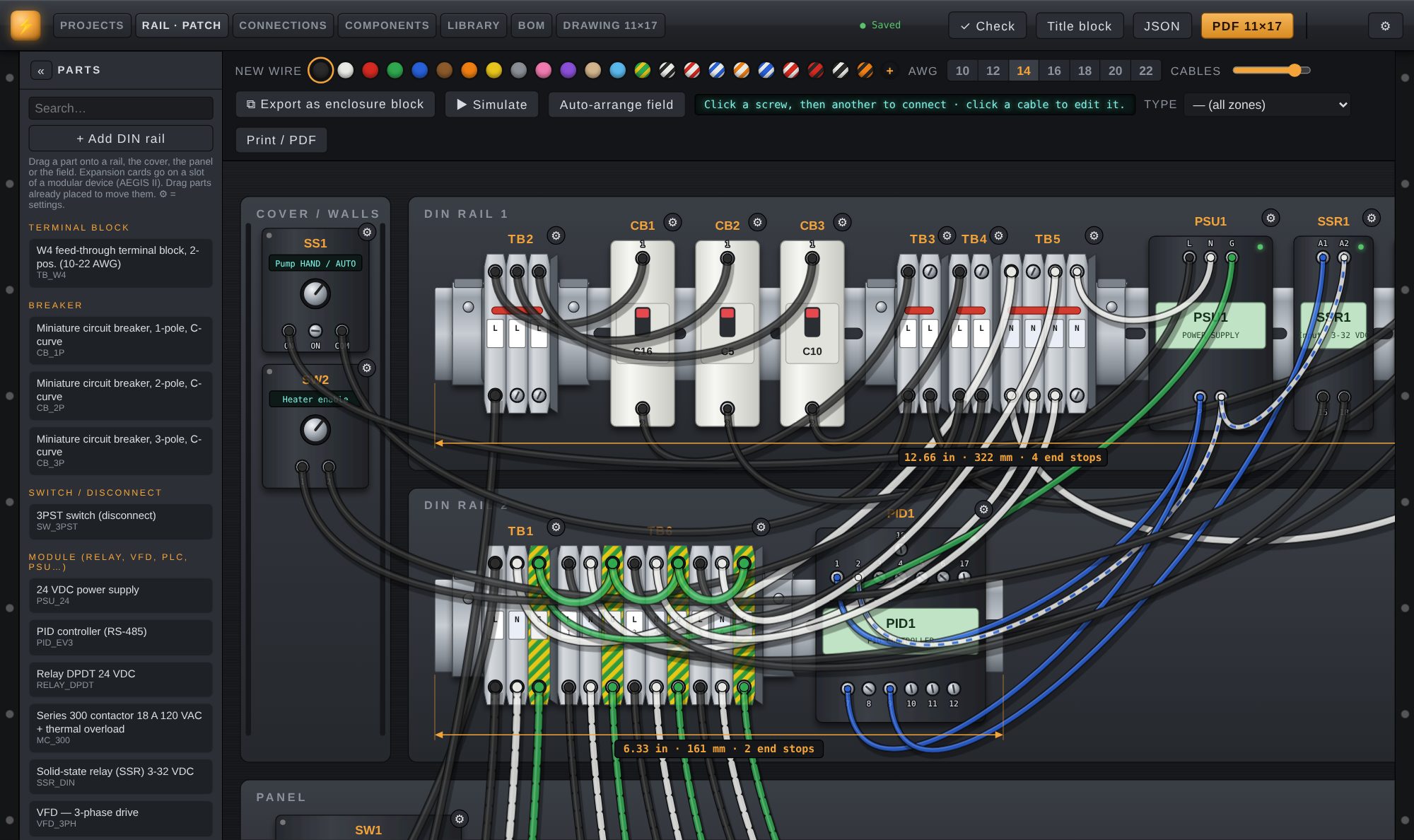
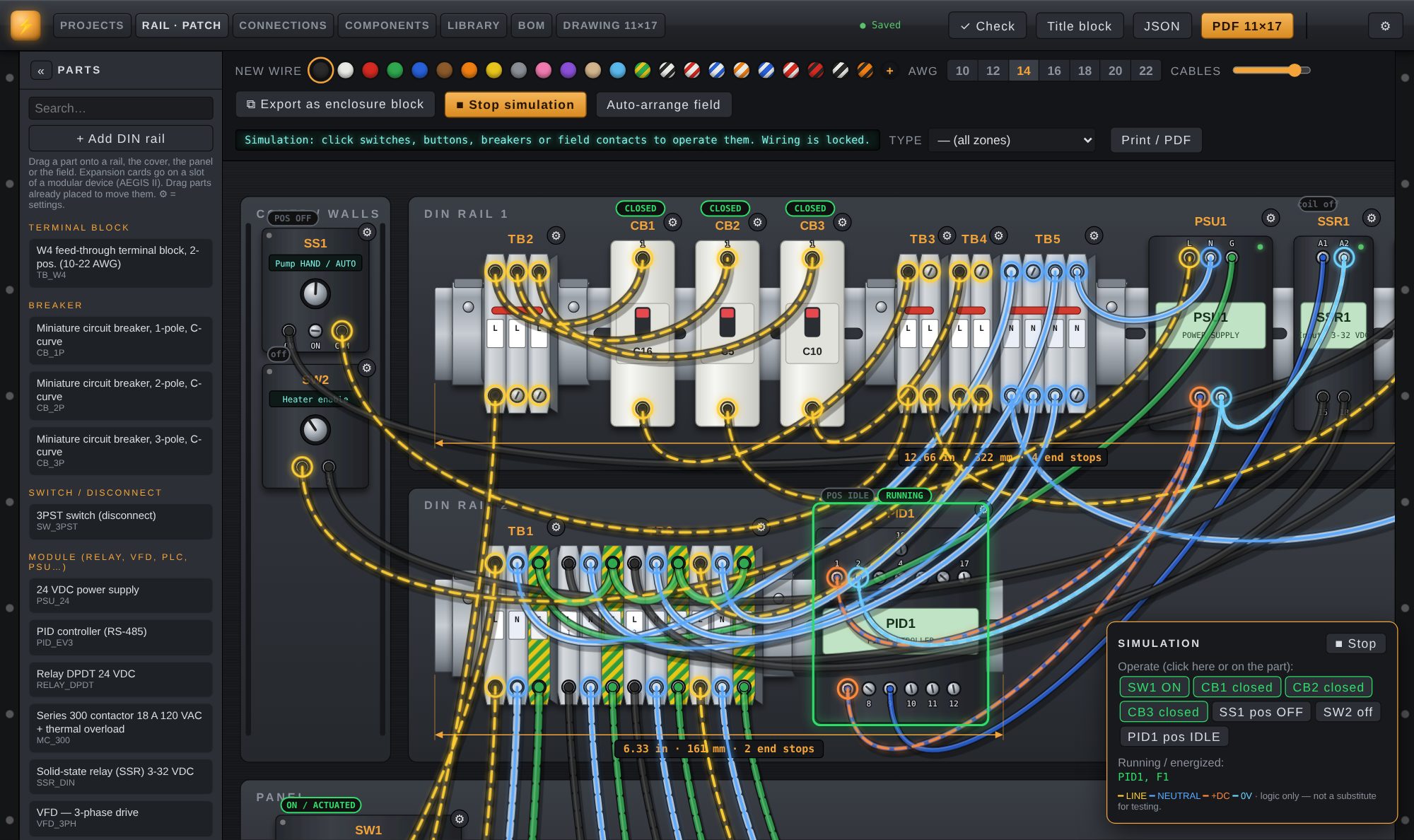
WireRack Rail - Patch view of a demo irrigation panel
One model table, drawing, BOM Wiring check before the panel is built Odoo BoM export Runs in the browser nothing to install
Rail - Patch

Wire it the way the panel is built

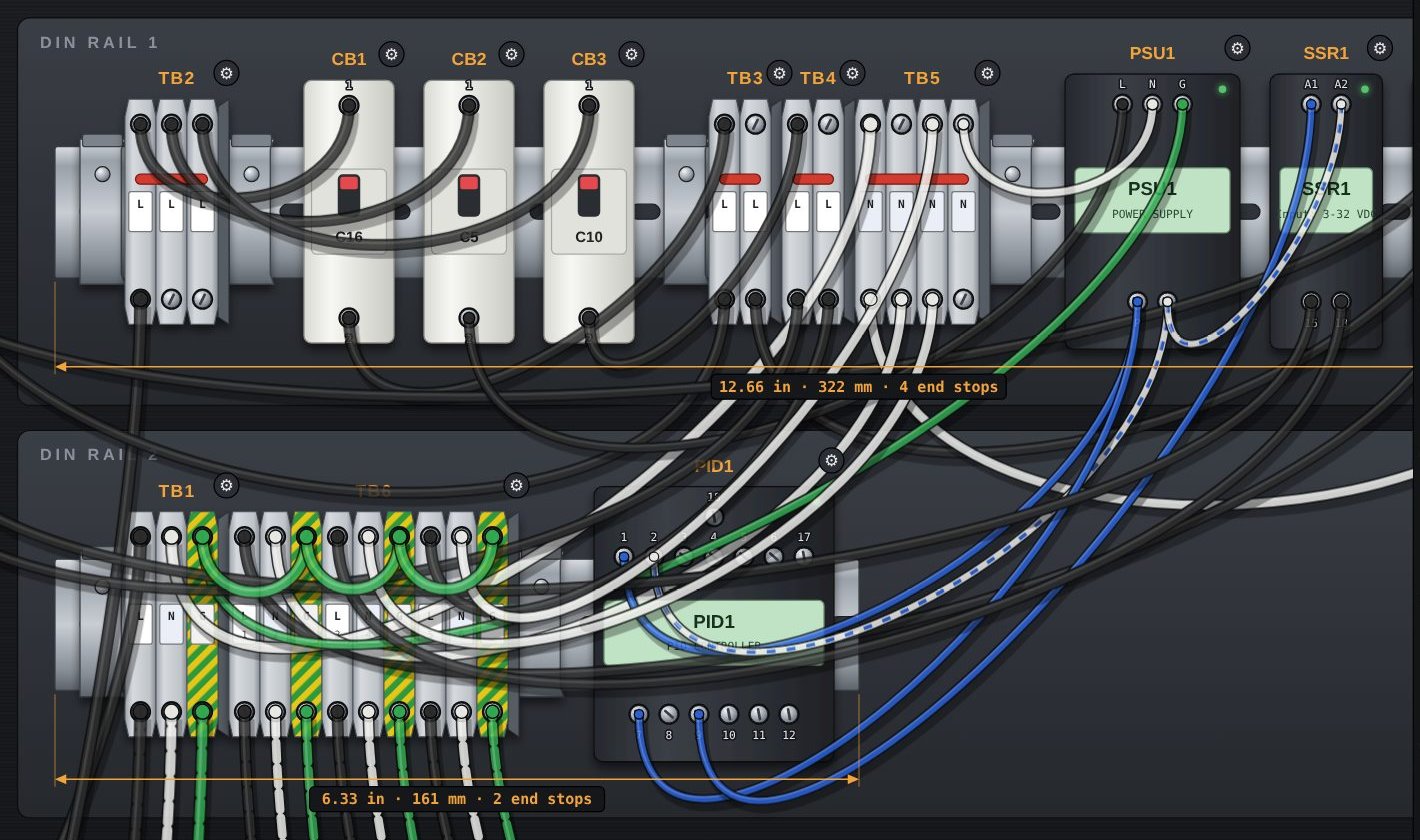
Drag breakers, terminal blocks, power supplies, relays and controllers onto real DIN rails, the enclosure cover and the field.

  • Click a screw, then another: the wire is drawn with its colour and gauge.
  • Top / bottom terminals, jumpers and bridges, ground blocks.
  • Rail length and end stops measured for you (inches and mm).
Rail - Patch view, close-up
Check & Simulate

Find the mistake before the electrician does

Simulate lets you close breakers and flip switches: energised wires light up (line, neutral, +DC, 0 V) and you see what runs.

  • Check looks for shorts, mixed voltages, colour conventions, missing protection and unconnected neutrals.
  • Click a finding to jump to the wire.
  • A review aid - it never replaces commissioning by a qualified person.
Simulation of the demo panel
Drawing 11x17

The drawing draws itself

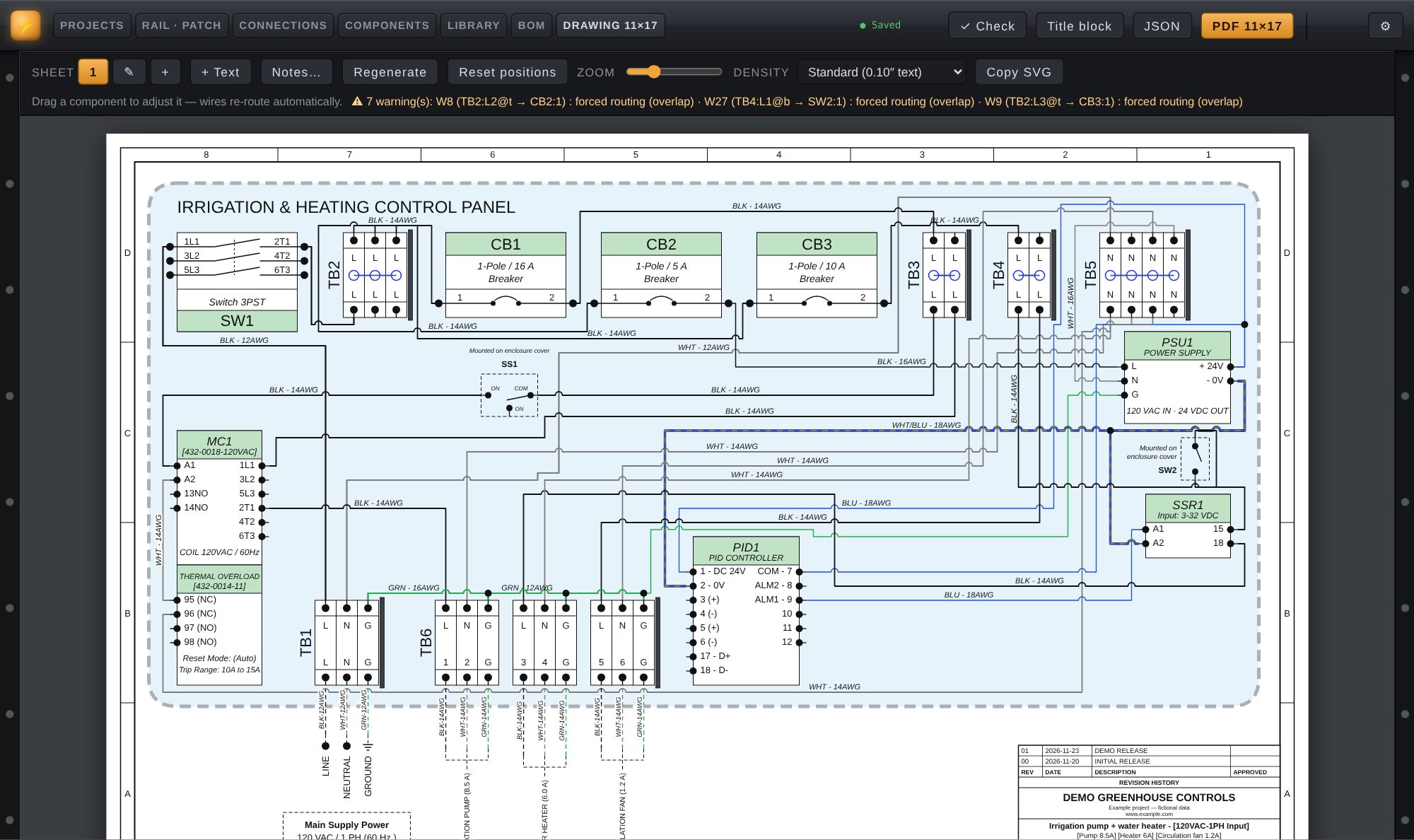
A clean 11x17 schematic with your title block, revision history and wire labels, generated from the model.

  • Move a component, the wires re-route.
  • Several sheets, notes, text density.
  • PDF 11x17 ready to print or send, or copy as SVG.
11x17 drawing
Connections

The wire list, always up to date

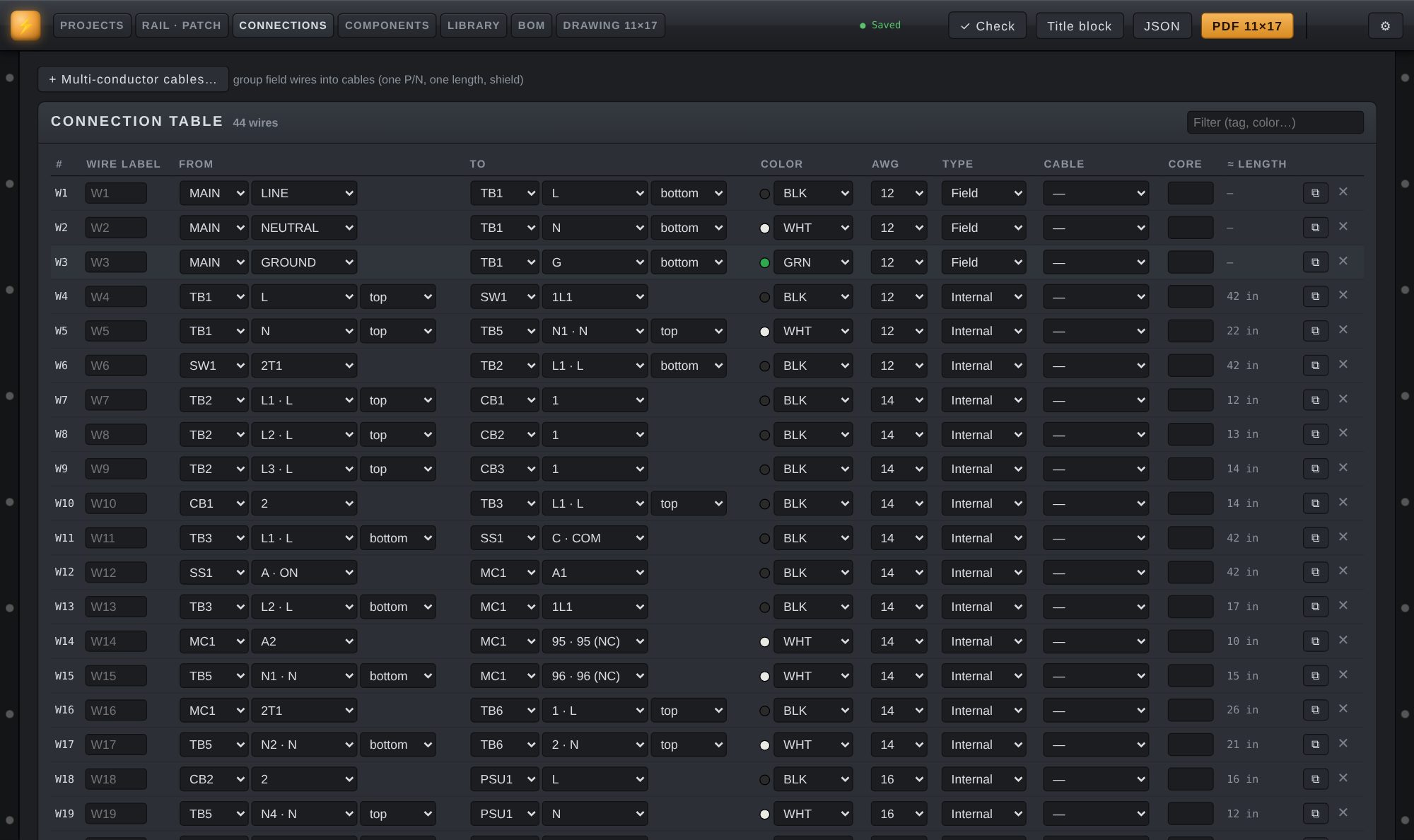
Every wire with its number, from / to, colour, gauge and type (internal or field). Sort, filter, edit in the table or on the rail.

Connections table
BOM - Odoo

Bill of materials, counted for you

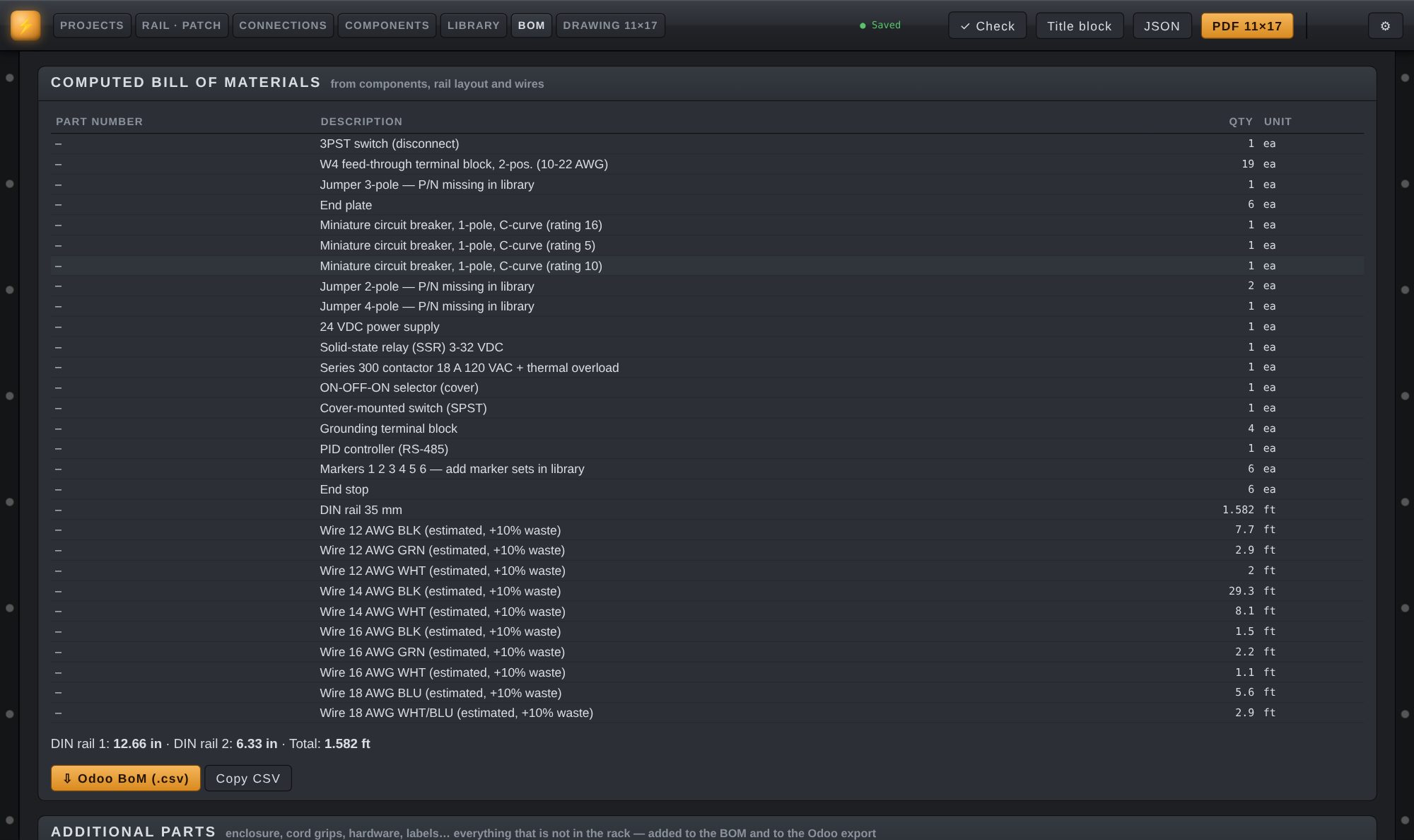
Parts, jumpers, end plates, markers, DIN rail length and wire length per colour and gauge (with waste) are counted from the model.

  • Your own part numbers, from your library.
  • Missing part numbers are flagged.
  • One-click Odoo BoM (.csv) or copy to a spreadsheet.
Computed bill of materials
Library & components

Your parts, your standards

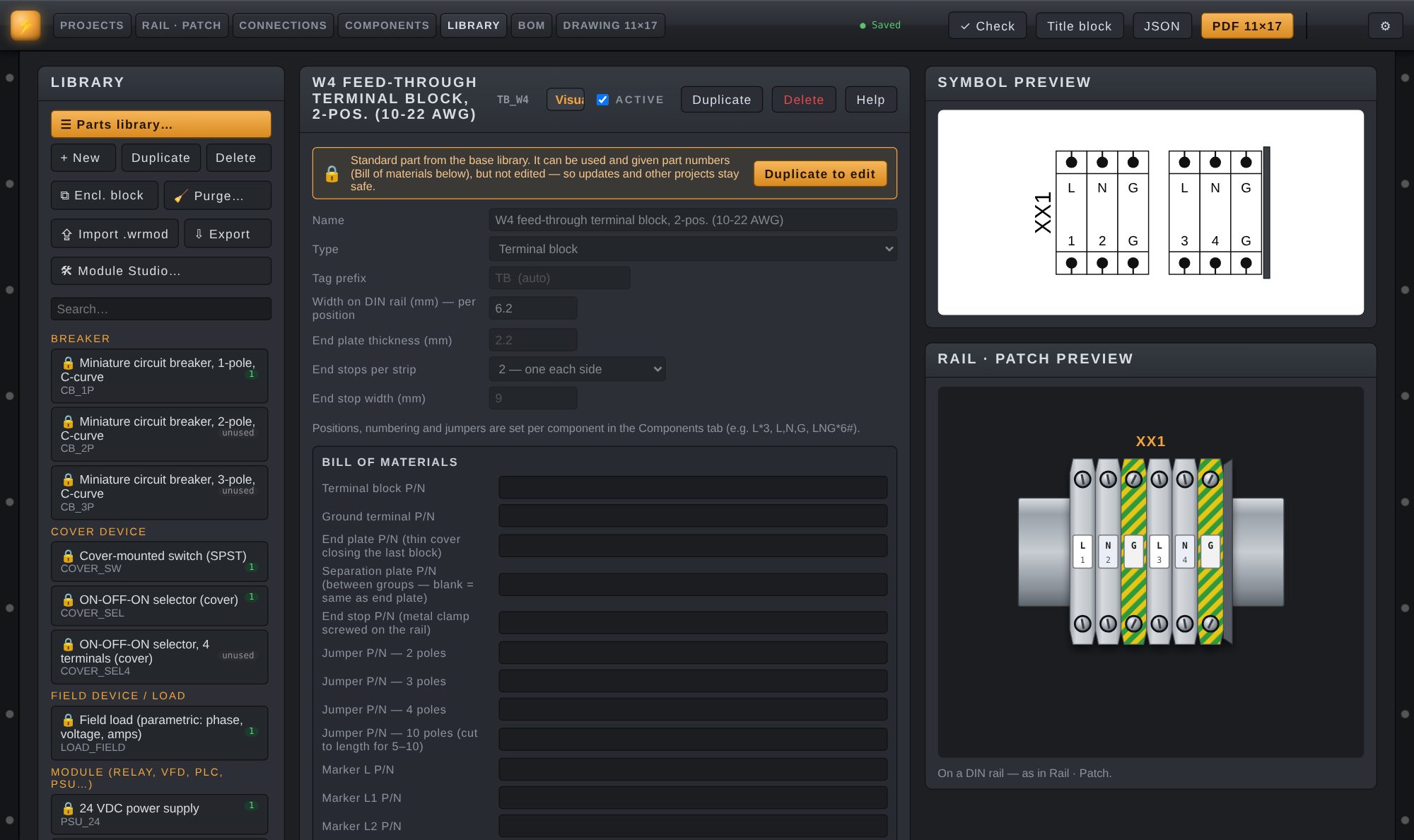
The parts library holds the symbol, the rail view, the terminals and the part numbers of each component. Start from the base library and add your own.

  • Components list with tags, locations and ratings.
  • Shared by your whole team.
  • Add a part by hand, import a module (.wrmod), or build one in the Module Studio.
Parts library
And also

Made for real shops

Field & machine wiring

Motors, sensors, valves and skid equipment outside the enclosure, with factory or field wires.

Enclosure blocks

Turn a finished panel into one block with its inputs, outputs and pigtails, then use it in a top-level assembly.

Multi-conductor cables

Group field wires into a cable: one part number, one length, shield grounded at one end.

Clean layouts

Rotate or mirror symbols on the drawing so the wires route the way you want.

HVAC & controls modules

Compressors, contactors, capacitors, pressure switches, temperature controllers — ready to wire and simulate.

Hundreds of projects

Search and sort your projects; revision history in the title block.

WHO'S BEHIND IT

Built by a designer who draws panels - and answers his email.

I'm Philip Rivard, an industrial designer and CAD specialist near Montréal. I built WireRack to save drafting time. And it did.

WireRack is in use on real production panels. When something doesn't fit the way your shop works, you talk to me, and the tool gets better. No ticket queue, no chatbot.

1 - A 30-minute demo

On your own kind of panel. We see if it fits your work.

2 - Your library

I help you load your parts and part numbers, so the BOM speaks your language.

3 - First panel together

We draw your first real panel side by side, then you're on your own - with me a message away.

Want to see it on your panel?

Tell me a little about your shop and the panels you build. I'll show you WireRack on a similar one.

Request a demo